10 Real-World AI Automation Examples for Businesses

A lot of business owners ask the same question about AI. What can it actually do for my business, right now? Not in a demo and not ten years from now. This post covers 10 AI automation examples that businesses use today, in plain words, with no tech talk you need to decode.
You will see how AI customer support works, how a simple agent can book appointments, and what it takes to build AI agent workflows of your own. At the end there is a short list of the best AI agent platforms to start with.
What Is AI Automation?
AI automation means letting software handle a task that a person used to do by hand, and letting AI make the small decisions along the way. A normal automation follows fixed rules. If a form is filled in, send an email. An AI automation can read the message, understand what the person wants, and pick the right reply.
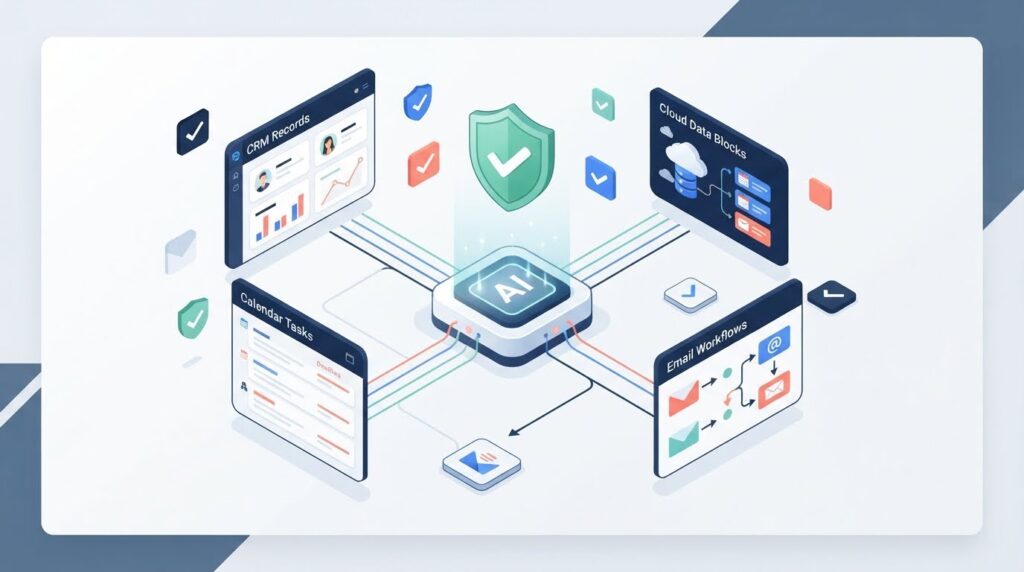
An AI agent goes one step further. It can use your tools, like your calendar or your CRM, and finish a job from start to end. If you want the full difference, read our guide on AI agents vs AI chatbots.
1. Customer Support Replies
This is the most common one. AI customer support answers the questions you get every day. Shipping times, return rules, opening hours, how to reset a password. It reads your help pages and replies in seconds, at any hour.
The good setups know when to stop. If a customer is angry or the question is unusual, the chat goes to a real person with the full conversation attached. That handoff matters more than any other setting.

2. Lead Capture and Qualification
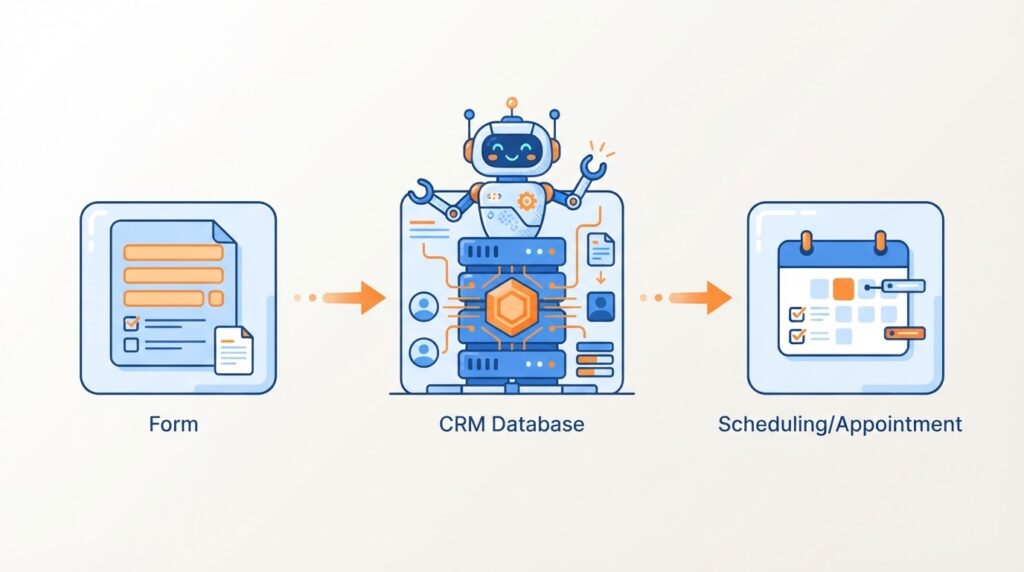
Many website visitors leave without saying a word. A chat assistant can start the conversation for you. It asks a few simple questions, like what the person needs, their budget and when they want to start. Then it saves the answers in your CRM and tells your sales team about the good leads.
3. Appointment Booking
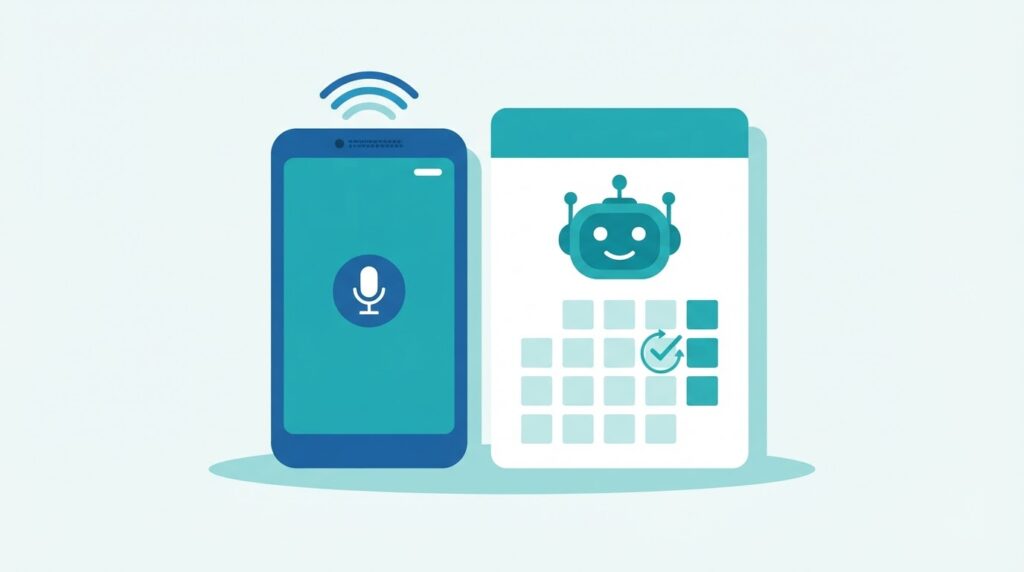
Clinics, salons, agencies and repair shops lose time on back and forth messages about dates. An AI agent can check your calendar, offer free slots, book the time and send a reminder the day before. If the customer wants to move the booking, it handles that too.
4. Order Updates for Online Stores
Where is my order is the question every store gets. Connect your store to an AI agent and it can look up the order, share the tracking link and explain a delay. For simple returns, it can start the process and send the customer the next steps.
5. Invoices and Payment Reminders
Chasing payments is nobody’s favorite job. An automation can create the invoice when a job is marked done, send it, and follow up politely if it is late. If an invoice is still open after a few weeks, it can flag it to you so you can make a call yourself.
6. Email Sorting and Draft Replies
Your inbox mixes sales questions, supplier messages and spam. AI can sort emails into groups, mark the urgent ones and write a draft reply for you to check. You stay in control, but you stop starting every reply from a blank page.
7. One Inbox for WhatsApp, Instagram and Facebook
Customers message you wherever they like. Keeping up with three apps is hard. One AI agent can answer first replies across all of them, using the same knowledge and the same tone. Your team then picks up only the chats that need a person.
8. Voice Agents That Answer Calls
Missed calls are missed money, especially for local businesses. A voice agent can pick up after hours, answer simple questions, take a message or book a visit. It talks in a natural way, and it can pass the caller to a person when needed.
9. Meeting Notes and Follow Up Tasks
After a meeting, someone has to write the notes and remember who promised what. AI can turn the recording into a short summary, pull out the action items and add them to your task tool. Everyone gets the same notes within minutes.
10. Reports and Data Entry
Copying numbers from one tool to another is slow and easy to get wrong. Automations can move data between your forms, spreadsheets and CRM on their own. They can also send a weekly summary of sales, leads and support tickets to your inbox, so you do not have to build it by hand.
How to Build an AI Agent for Your Business
Want to build AI agent workflows like the ones above? Start small. One clear job is better than a big plan that never ships. Here is a simple way to do it.
- Pick one job. Choose something repeated every day, like answering the same ten questions.
- Write down the steps. Note what a person does today, from the first message to the last.
- Choose a platform. Pick a tool that fits your team’s skills (see the list below).
- Give it your information. Add your FAQ, price list and policies so answers are correct.
- Set rules and a handoff. Decide what the agent may do alone and when it must pass to a person.
- Test, launch, then review. Try it with real questions, go live with a small group, and read the chats every week.
Best AI Agent Platforms to Start With
There is no single best tool for everyone. The right choice depends on your team and the apps you already use. These are five popular options.
- n8n gives you a lot of control and can be self hosted. It suits teams that are comfortable with some technical setup.
- Zapier connects a huge number of apps and is easy for beginners.
- Make uses a visual builder, which helps when a workflow has many steps.
- Microsoft Copilot Studio fits companies that already live in Microsoft 365 and Teams.
- Botpress focuses on conversational bots, such as support and sales chat.
Prices and features change often, so check each site before you decide. For more tools beyond agents, see our list of the best AI tools to try.
Common Mistakes to Avoid
- Trying to automate everything at once.
- Skipping the human handoff for angry or complex cases.
- Feeding the agent old or messy information.
- Launching without testing on real customer questions.
- Never reading the conversations afterward to fix mistakes.
Frequently Asked Questions
What are good AI automation examples for a small business?
Start with customer support replies, appointment booking and payment reminders. They are simple, they repeat every day, and the results are easy to see.
How much does an AI agent cost?
It depends. Many platforms have free or low cost plans to begin with, and the price grows with usage. A custom build with several integrations costs more.
Is AI customer support safe to use?
It can be, if you set limits. Keep sensitive data out of it, tell the agent what it should never do, and make sure a person can take over at any time.
How long does it take to set up an AI agent?
A simple one can be running in a few days. Agents that connect to several tools and need careful testing take longer.
Final Thoughts
You do not need a big budget or a tech team to get started. Pick one task that eats your time, automate it, and watch how it goes. Once that works, add the next one.
If you would like help, take a look at our AI chatbot and AI agent services. You can also get more ideas from AI business ideas under $100.
Need help with AI automation?
Our team builds AI solutions tailored to your business.
Get a free consultation