AI for Small Business: How to Automate Customer Service and Daily Work

If you run a small company, you already know the problem. There is never enough time. Emails pile up, customers ask the same questions again and again, and invoices wait on your desk. AI for small business can take a big piece of that load off your plate, and you do not need a tech team to start.
This guide explains how AI business tools work in plain words, where AI customer service fits in, and how to automate business tasks one step at a time. You will also see real prices in US dollars and British pounds, plus a few rules to know if you sell in the US, UK, Europe or Australia.
What AI for Small Business Really Means
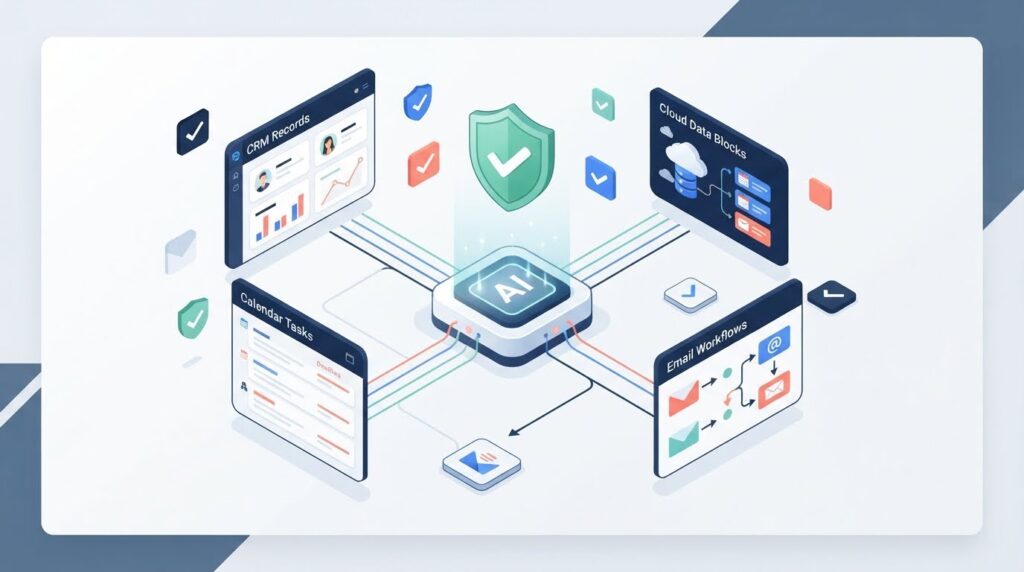
Think of it as a helper that never sleeps. You give it a job, like answering common customer questions or sorting your inbox, and it does that job all day. Some tools only write text. Others connect to your calendar, your online store or your accounting software and take action for you.
Business automation is the wider idea. It means any task that runs by itself once you set it up. AI automation adds one thing to that. The software can read a message, understand it and choose what to do next, instead of only following fixed rules.
Why Small Business Owners Are Turning to AI
The reasons are simple and practical.
- You get time back. Repeat tasks like follow ups and data entry stop eating your day.
- Customers get fast answers, even at night or on weekends.
- You make fewer small mistakes, like a missed reply or a forgotten invoice.
- You can grow without hiring for every new task.
AI Customer Service for a Small Business
Customer service is where most owners see the fastest payoff. Think about your inbox on a normal Monday. How many messages ask about delivery times, opening hours, prices or returns? AI customer service can answer those in seconds, using the information from your website and help pages.

What AI customer service can handle
- Common questions about shipping, returns, hours and pricing
- Order status checks
- Booking and changing appointments
- Collecting contact details from new leads
What it should not handle alone
Angry customers, refunds that need a judgment call, health or legal questions, and anything sensitive should go to a person. Set that rule from day one. A fast wrong answer is worse than a slow right one.
If you want to see how this looks in practice, read our post on 10 real world AI automation examples. And if you are weighing a simple chatbot against something more capable, our guide on AI agents vs AI chatbots explains the difference.
Business Automation Ideas You Can Start This Month
You do not need to automate everything. Pick one or two of these.
- Reply to common emails and chats with a draft you can check
- Send invoices and polite payment reminders
- Book appointments and send reminders
- Save new leads straight into your CRM
- Write short summaries of meetings and list the follow up tasks
- Send a weekly report of sales and support numbers to your inbox

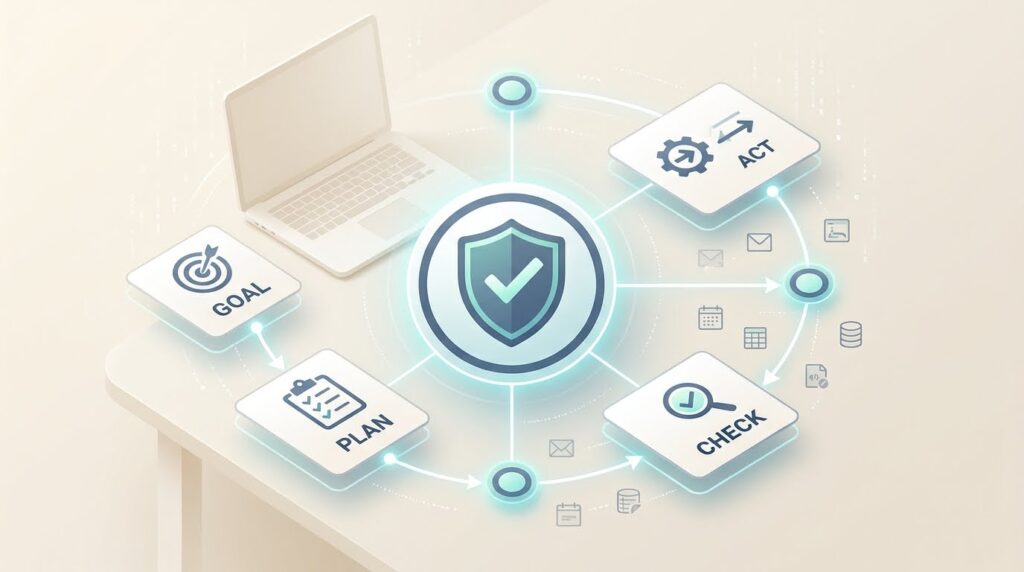
How to Automate Business Tasks Step by Step
- Write down your week. Note the tasks you repeat and how long each one takes.
- Pick one. Choose the task that is boring, frequent and low risk.
- Map the steps. Write what you do from start to finish, like a recipe.
- Choose a tool. Match it to the apps you already use.
- Give it good information. Add your FAQ, policies and price list.
- Test with real cases. Run twenty real customer questions through it before you go live.
- Check it every week. Read a few conversations and fix what went wrong.

How Much Does AI Cost for a Small Business?
Costs vary a lot, so here are two real examples from the companies themselves. Pound amounts are rough, using about 75 pence per US dollar. Exchange rates move, and some companies show a local price at checkout, so always check the current price on their own page.
- ChatGPT Business, standard seat: $20 per user per month on annual billing or $25 on monthly billing, which is about 15 and 19 pounds. This is a shared AI workspace for your team. See OpenAI’s ChatGPT Business overview.
- Intercom Fin, an AI customer service agent: $0.99 for each conversation it resolves, which is about 75 pence. You pay on top of your Intercom plan. Details are on Intercom’s Fin outcomes page.
Here is a simple way to think about it. If an AI agent resolves 100 chats in a month at $0.99, that is $99, or roughly 75 pounds. Compare that with the time you or your staff would spend on the same 100 chats. That example is only for scale, and your own numbers will differ.
Workflow tools and custom builds are priced differently, and many have free plans to try first. If you want a setup done for you, take a look at our AI chatbot and AI agent services.
Rules to Know in the US, UK, Europe and Australia
This is not legal advice, but a few points come up often.
- In the EU, rules for AI transparency started applying on 2 August 2026. If a chatbot or AI agent talks with people, they should be told they are speaking with AI, unless it is obvious. The European Commission explains this on its page about Article 50 of the AI Act.
- In the EU and UK, data protection law (GDPR and UK GDPR) covers the customer data you feed into AI tools.
- In Australia, the Privacy Act covers how businesses handle personal information.
- In the US, rules differ by state and by industry, so check what applies to you.
A good habit everywhere is to say clearly that customers are chatting with an AI assistant, and to give them an easy way to reach a person.
Common AI Mistakes Small Business Owners Make
- Starting with a huge project instead of one small task.
- Skipping the handoff to a real person.
- Giving the AI old prices, old policies or messy notes.
- Putting private customer data into tools without checking the privacy terms.
- Never reading the chats afterward.
Frequently Asked Questions
Is AI worth it for a small business?
Often, yes, if you start with a task that repeats every day. The gain comes from saved time and faster replies. If the task is rare, it may not be worth the setup.
Can AI replace my customer service team?
It can handle the simple, repeated questions. People are still needed for tricky, emotional or sensitive cases. Most small teams use AI to support their staff, not to replace them.
What is the easiest thing to automate first?
Answers to common customer questions, appointment reminders and payment reminders. They are low risk and easy to check.
Do I have to tell customers they are talking to AI?
In the EU the rules say you generally should, and it is good practice everywhere. Be open about it and make it easy to reach a person.
Final Thoughts
You do not have to change your whole business at once. Choose one task, set it up, watch it for a few weeks and then decide what comes next. Small steps add up fast.
Need help setting it up? See our AI services, or get more ideas from AI business ideas under $100 and our list of the best AI tools to try.
Need help with AI automation?
Our team builds AI solutions tailored to your business.
Get a free consultation